Monday, September 24, 2018

Flippity Random Name Generator

Creating your custom Random Name Generator is easy with Flippity!  

Once created, it just takes a click of a button to put your students into groups, teams, lines or even generate a random seating chart!

Sample:  https://www.flippity.net/rp.asp?k=19p4btzklHegRzF1gnoGl4bTziVEl12SO-oLyOJ0K8RU


1.  Make a copy of the template
2.  Replace the student names on the spreadsheet with your students' names
3.  Click File>Publish to the Web>Publish
4. Click the Get the Link Here, click the link and bookmark your random name generator!

Tuesday, August 21, 2018

Schoology- Getting Help

Now that RTSD 26 has adopted Schoology as our Learning Management System, here are a few resources you may find handy.

Schoology's Help Center can be accessed through the Support link at the bottom of your Schoology dashboard.

Course Materials Cheat Sheet

Assignments

CC Aligned Rubrics

Custom Rubrics

Discussions

Linking Sections

Assessments (Don't use Test/Quiz, it is being phased out.)


Friday, July 20, 2018

You CAN change your Twitter handle!

Have you changed grade levels, positions or moved to a new school and your Twitter handle is out of date?  No worries!  You can change your twitter handle!  Log into Twitter, navigate to the Privacy and Settings page and simply type in a new user name!  Don't forget to scroll down to the bottom of the page and click the Save Changes button when your done.


Friday, March 23, 2018

CS Unplugged


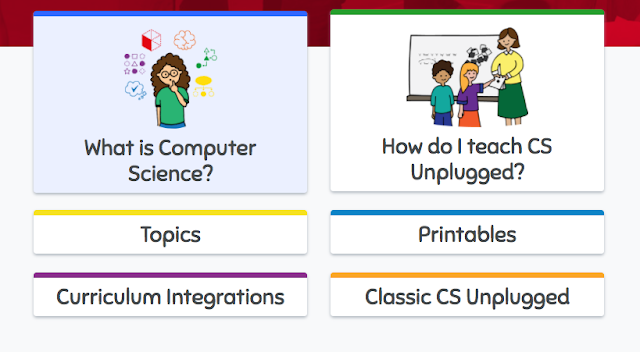
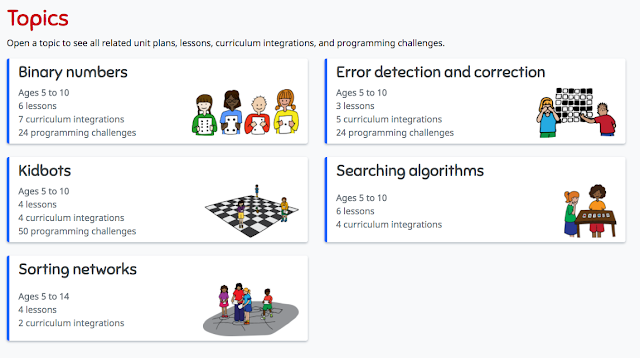
CS Unplugged lets you teach computer science skills without a computer!  Teachers don't need to know how to program or code to use these hands-on, kinesthetic lessons!  Some lessons have videos that show you exactly how the lessons can be implemented.  These free lessons and resources teach important critical thinking, collaboration and creativity through engaging games and puzzles.


The topics have lessons that easily integrate CS skills into writing, reading math, science, art, music, and drama.


Friday, March 2, 2018

ClassroomScreen

Classroomscreen.com  


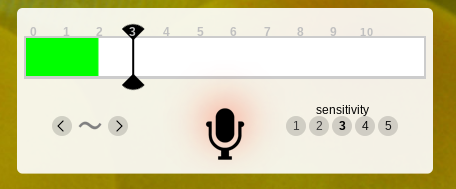
Leave this website up all day and use it to quickly use and display classroom productivity tools like timers, clocks, drawing pages, noise level monitors, dice and post its!  Yo can even create and display QR codes right on the page by just pasting in a URL!!!!


Super easy and fun!!!


Tuesday, February 20, 2018

Life of a Can

Novelis and Discovery Education created a new elementary recycling education program that teachers about recycling through lessons and activities focusing on the "Life of a Can."

Resources include an interactive challenge, lesson plans for 3-5th graders, and activities for families.  There is even a tool kit to help students create a school-wide recycling program!


Friday, February 2, 2018

Flipgrid


Create a wall/page where students can share ideas and respond to questions using quick, short videos!  It's easy, fun and has more potential classroom uses that I can count... like a digital "I Wonder" wall, exit slips, essential questions, your class newsletter......

Here's my first Flipgrid... 


Flipgrid's Library of Ideas (Topics of Discovery)

Even more ways to Use Flipgrid

Downloadable instructions for teachers and students!

Getting Started Video (2 minutes)


Quick Walkthrough Video from Flipgrid on Vimeo.